From a 3-day ticket to a 30-minute survey
John Deere's product managers wanted feedback from their users, but every survey had to go through a developer. I researched that process, designed Deere Survey (a self-serve survey builder made from the Fuel design system) and helped build Fuel itself along the way.
- UX research
- Product design
- Design systems
- Accessibility
Time to build one survey
Used by 250 internal product teams. No developer needed to build or publish a survey.
reported by PMs + what I observed
On this page
The short version
PMs stopped waiting on developers to hear from their users.
- 250internal product teams used the tool
- ~30 minto build a survey, down from ~3 days
- 0developer hand-offs to build or publish
- 1design system behind every screen: Fuel
- Problem
- Each survey was a custom build. A PM asked IT Quality, a developer built it, and only then could it go to users.
- My role
- Researched the old process, designed the product end to end, and built its components from Fuel.
- Team
- IT Quality product team, working with the Fuel design system team.
- Timeline
- January to August 2024.
- Methods
- Contextual inquiry with PMs and IT Quality, process mapping, design critique, accessibility review.
- Outcome
- PMs build, translate, brand and publish surveys themselves, using standard questions so results compare across products.
- Decision it informed
- Fund a self-serve builder on Fuel instead of more one-off developer builds, and feed its new components back into Fuel.
Every survey needed a developer
Product teams across John Deere wanted to ask their users how things were going. There was no tool for it. A PM wrote to the IT Quality team, a developer built that one survey by hand, and the PM waited. I sat in on that process and talked to the people living it.
Before · about 3 days per survey
- PMNeeds feedback on a product
- IT QualityTakes the request (removed by the new tool)
- DeveloperBuilds a one-off survey (removed by the new tool)
- PM + DevBack-and-forth on changes (removed by the new tool)
- UsersGet a link to the survey
After · about 30 minutes per survey
- PMNeeds feedback on a product
- Deere SurveyPicks a template, products, questions and languages, then previews
- UsersGet the survey, in their language
- Every request went through IT Quality and a developer.
- Each survey was built by hand, for one product.
- ~3 days from asking to a live link.
- PMs couldn't change their survey once it was live.
The question I designed for
How might we let a PM go from “I need feedback” to a live, on-brand survey on their own, without losing the standards IT Quality cared about?
The team’s bet: more products on Fuel
Fuel is John Deere's design system. The UX team's FY24 goals asked for more products to be built on it, and for UX guidance to live in one place. A survey tool that every product team would touch was a chance to prove Fuel worked in a product people actually used.
FY24 Q2 objective
Pave the path for elite product UX, with clear entry points, room to grow and high expectations.
Key results this work fed
- Products on Fuel. 5% growth in recognised products that use the Fuel design system.
- One source of truth. Bring UX documentation from 19 separate solutions into one enterprise source.
- Shared tokens. Three products pull from one Foundations token source, in both Figma and React.
| What I did | Key result it supports | Chapter |
|---|---|---|
| Designed Deere Survey entirely from Fuel components | Products on Fuel | 04–07 |
| Wrote component guideline pages for fuel.deere.com | One source of truth | 03 |
| Helped restructure tokens into global, alias and mapped layers | Shared tokens | 03 |
| Contributed to Fuel's FY24 accessibility plan | Elite product UX | 08 |
| Ran component intake and trained designers on Fuel | Products on Fuel | 03, 09 |
How a component gets to production
Designers on any product team could ask Fuel for a new component through the Fuel Teams channel. I helped run that intake, so I saw both sides: what product teams needed, and what it took to make a component everyone could reuse.
“A designer uses the Fuel Teams channel so they can request a new component.”
- 1 · RequestTeams channel, office hours or a ticket
- 2 · RefinePM checks it isn't already in Fuel
- 3 · DiscoverResearch desirability and viability across teams
- 4 · PrioritiseEffort vs value, then into a sprint
- 5 · Design + buildDesign huddle, then dev huddle
- 6 · PublishGuideline page on fuel.deere.com
Token architecture · three layers
I worked on restructuring Fuel's tokens so products could theme without breaking the system. Token names below are illustrative.
- GlobalRaw values
color.green.600space.16 - AliasSemantic meaning
color-actionspace-inset-md - MappedComponent use
button-primary-bgcard-padding
Guidelines, one place
I wrote component guideline pages for fuel.deere.com: usage, anatomy, states, content notes, accessibility criteria, and links to the Figma component and React code.
Accessibility plan
I helped define who needed accessibility skills, what “done” meant by year end, and how it would be checked. Deere Survey was where I applied it first.
Designing for PMs, not developers
PMs aren't survey experts and don't want to be. The builder walks them down one fixed path: one decision per screen, good defaults at every step, and a preview before anything goes live. Here's that path, clicked through.
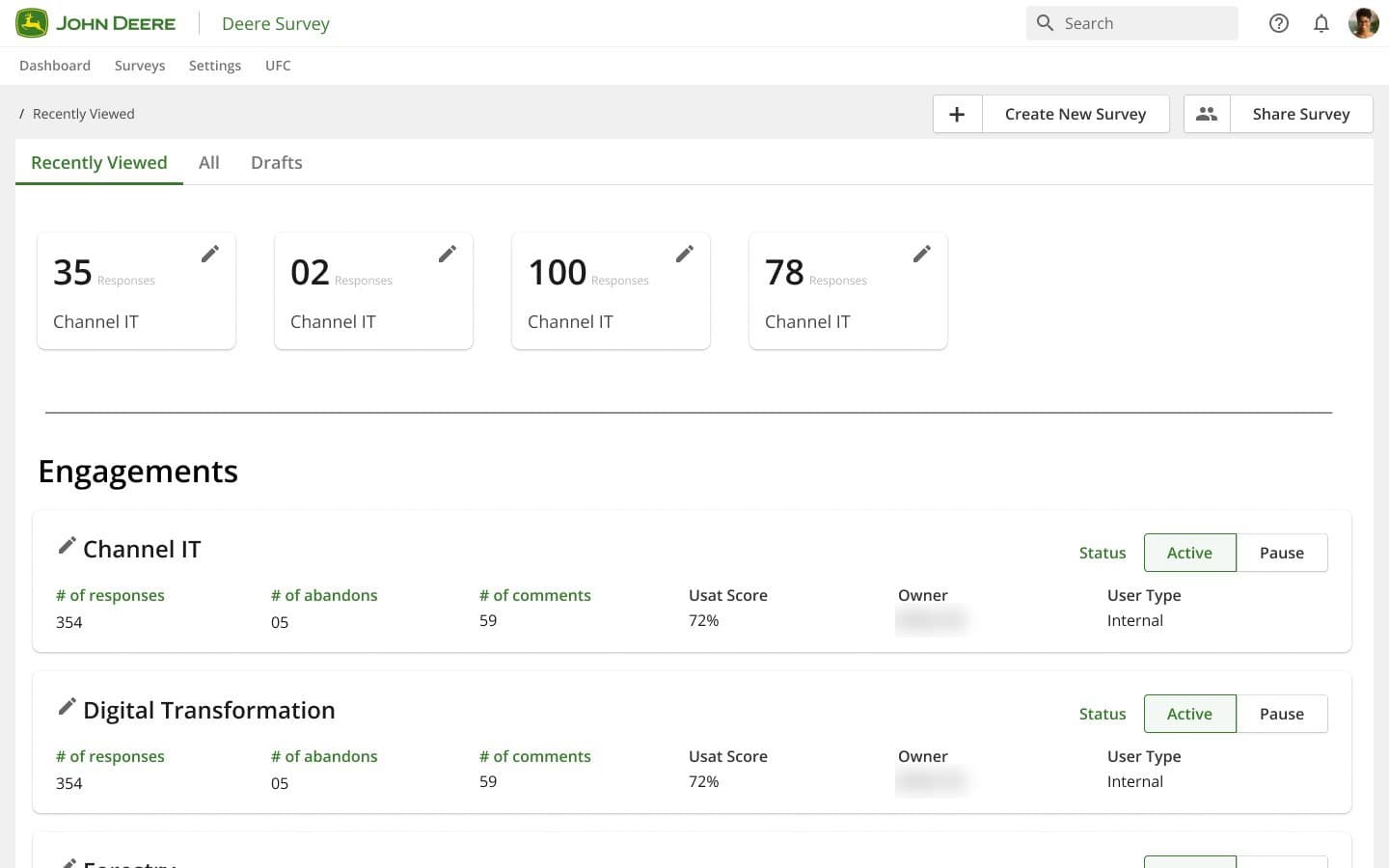
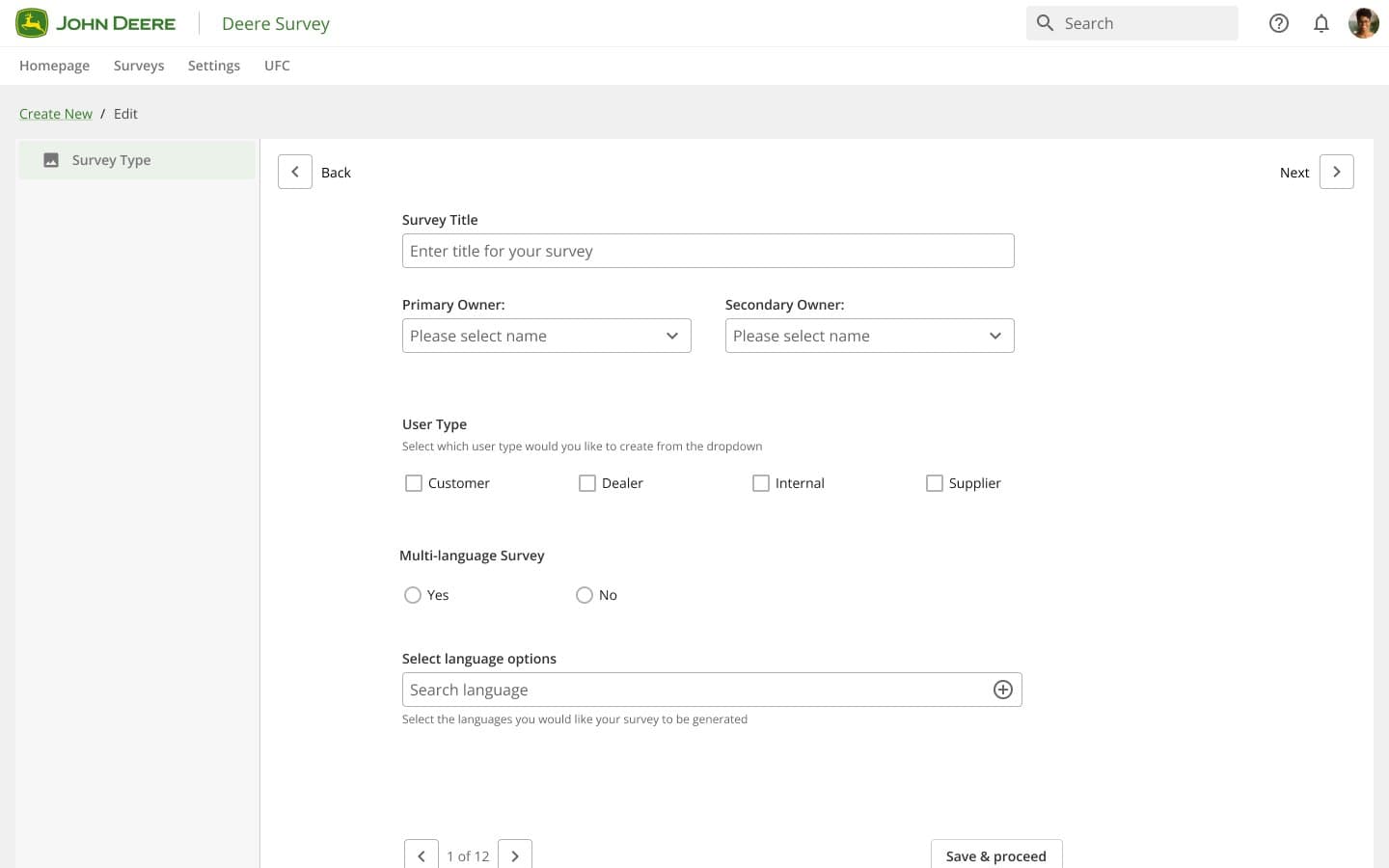
The Standard Flow Path from my Figma file, played as a prototype. Yellow boxes mark what the PM is looking at; purple rings mark each click.
The 13 decisions in that flow
- 01Standard template first, so results compare across products
- 02Two owners on every survey, so none get orphaned
- 03Copy arrives written and on brand. PMs edit, never start blank
- 04Images only come from an approved library
- 05Max 3 products per person keeps the survey short
- 06Standard questions arrive locked, with a Standard badge
- 07“Move to page” gives a keyboard path, not only drag and drop
- 08Edited? The badge says Custom, in words, not just colour
- 097 answer types, 1 card. Switching keeps the question text
- 10A page loops per product, capped at 3 times
- 11Open text: 250 chars, and support issues pointed elsewhere
- 12Standard country and unit lists, so answers group cleanly
- 13Preview in every language before it goes live
Where Fuel shows up
Every control in that flow comes from the Fuel design system. The product added no one-off UI, so each fix in Fuel reached every survey screen.
- Global header
- Side navigation
- Breadcrumb
- Pager
- Text field
- Dropdown
- Checkbox
- Radio
- Toggle
- Badge
- Button
- Modal
the gaps it exposed went back into Fuel → chapter 09
One question card, many jobs
The heart of the tool is the question card: one Fuel-based component with clear states, so every question type behaves the same way whether a PM is using it for the first time or editing it live.
edit a standard question → it becomes Custom, in words, not just colour
Seven answer types, one pattern
- Choice
- Text
- Rating
- Ranking
- Likert
- NPS
- Date
Switching type keeps the question text and swaps only the answer area. Each card has four states: collapsed, disabled, expanded and editing.
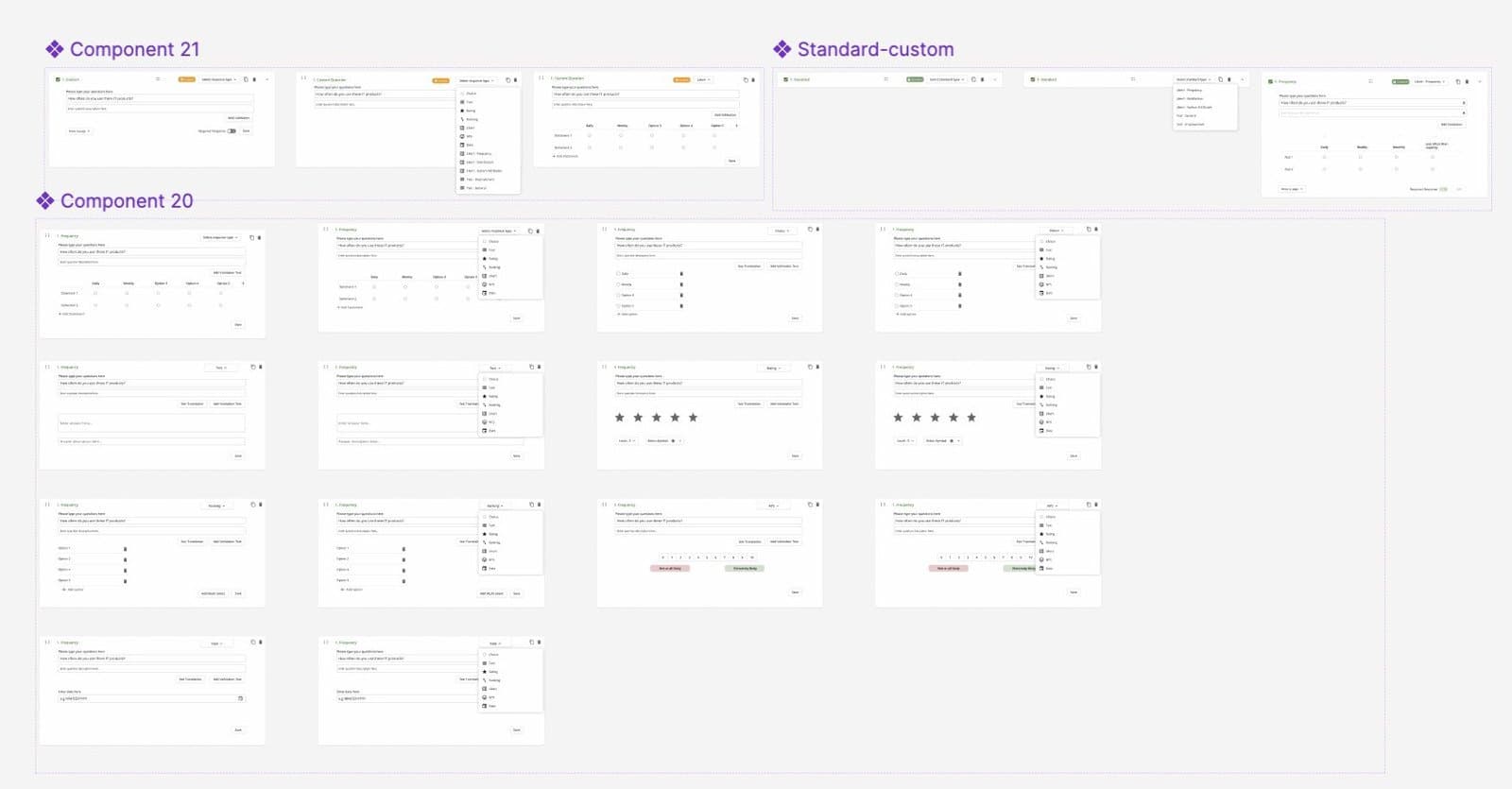
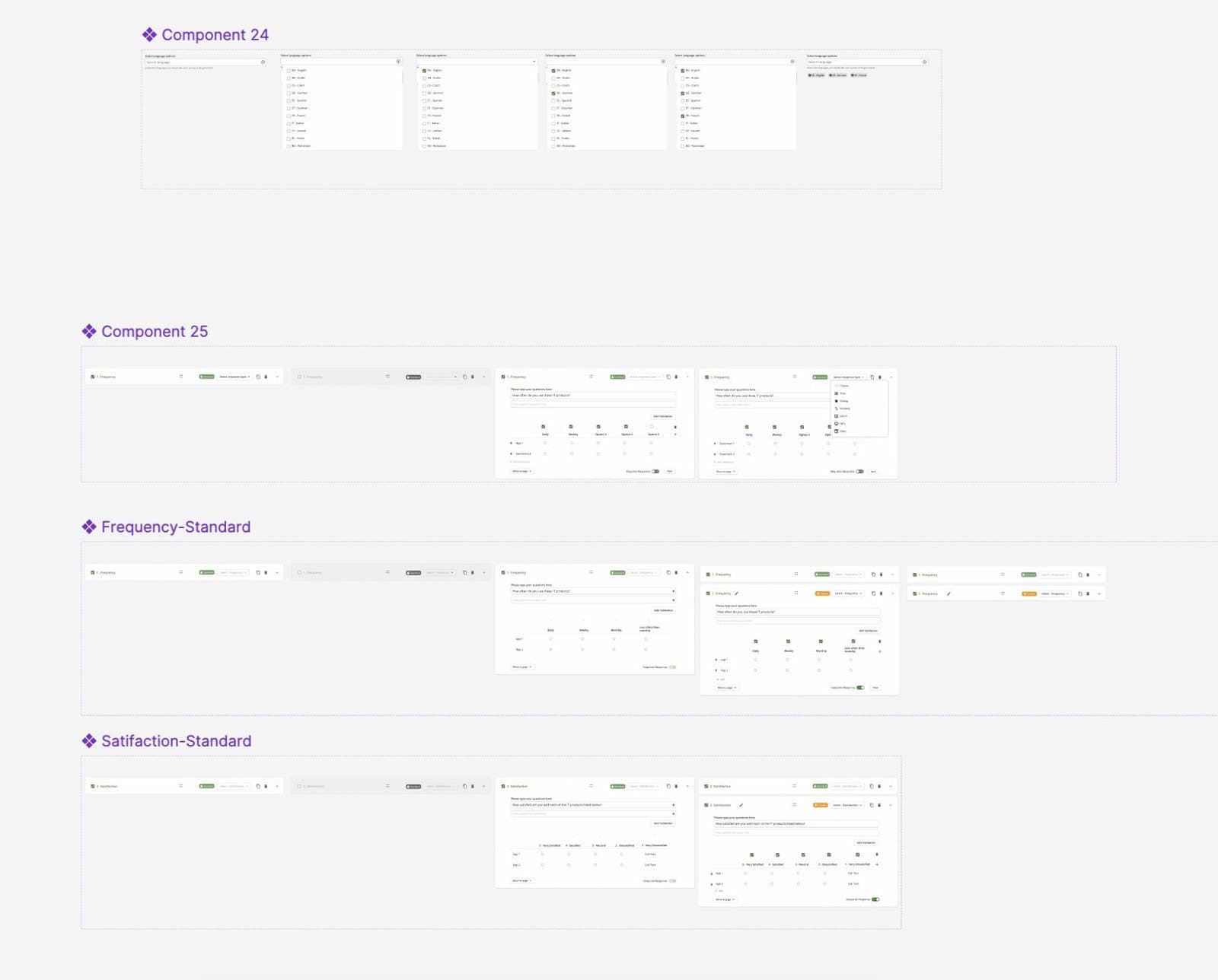
One survey, any audience, any language
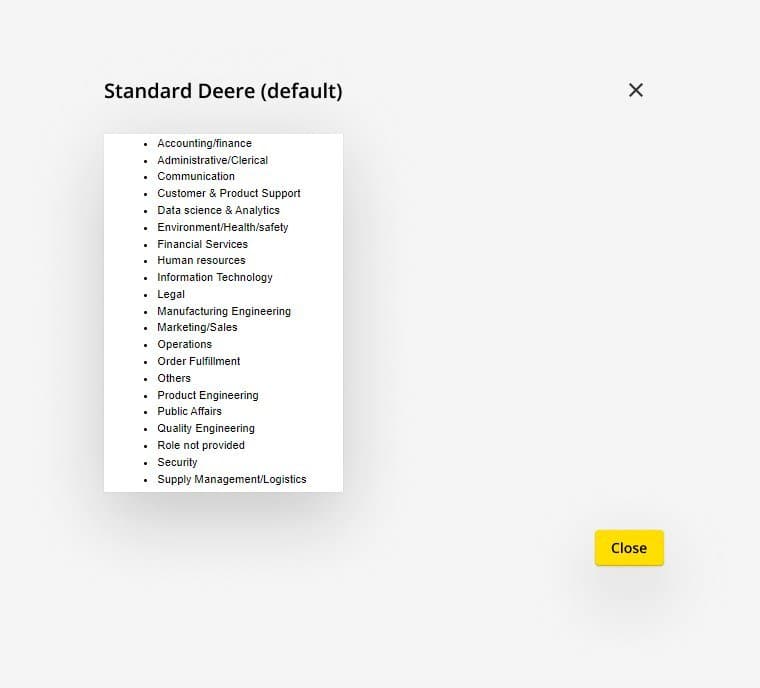
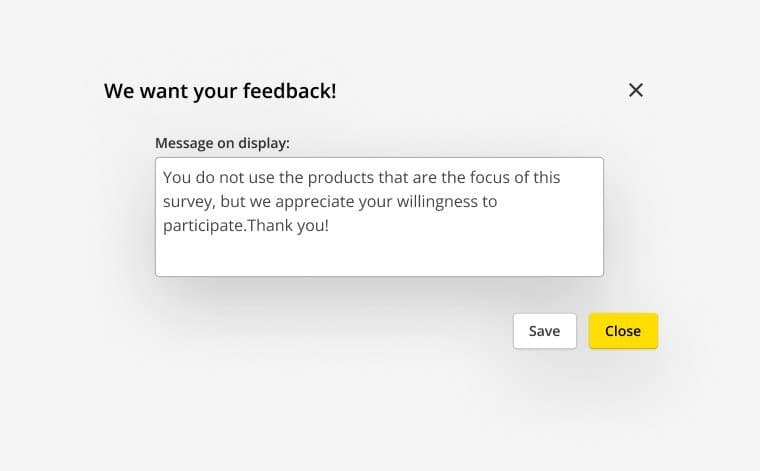
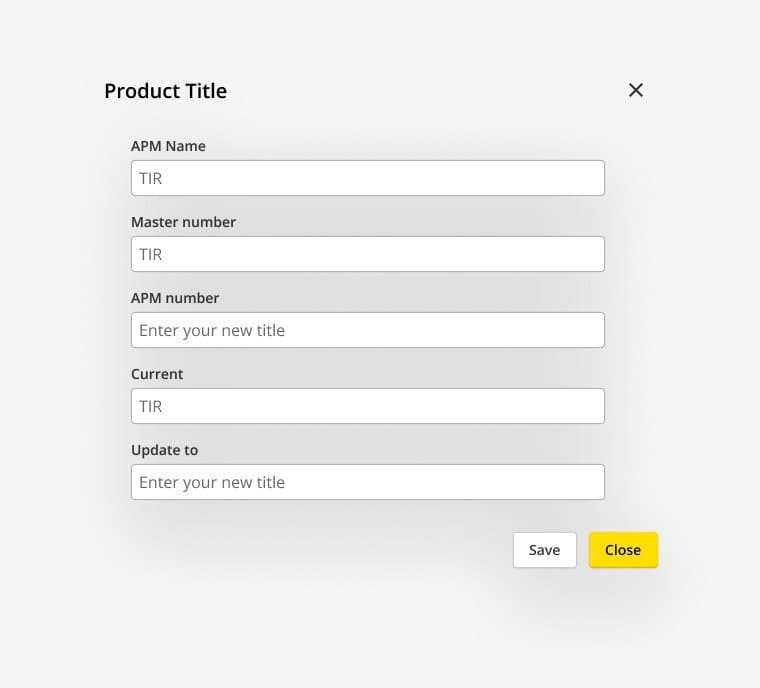
John Deere's users are dealers, customers, staff and suppliers around the world. Before, a translated survey meant another developer build. Now a PM ticks the languages and previews each one.
Results a PM can actually read
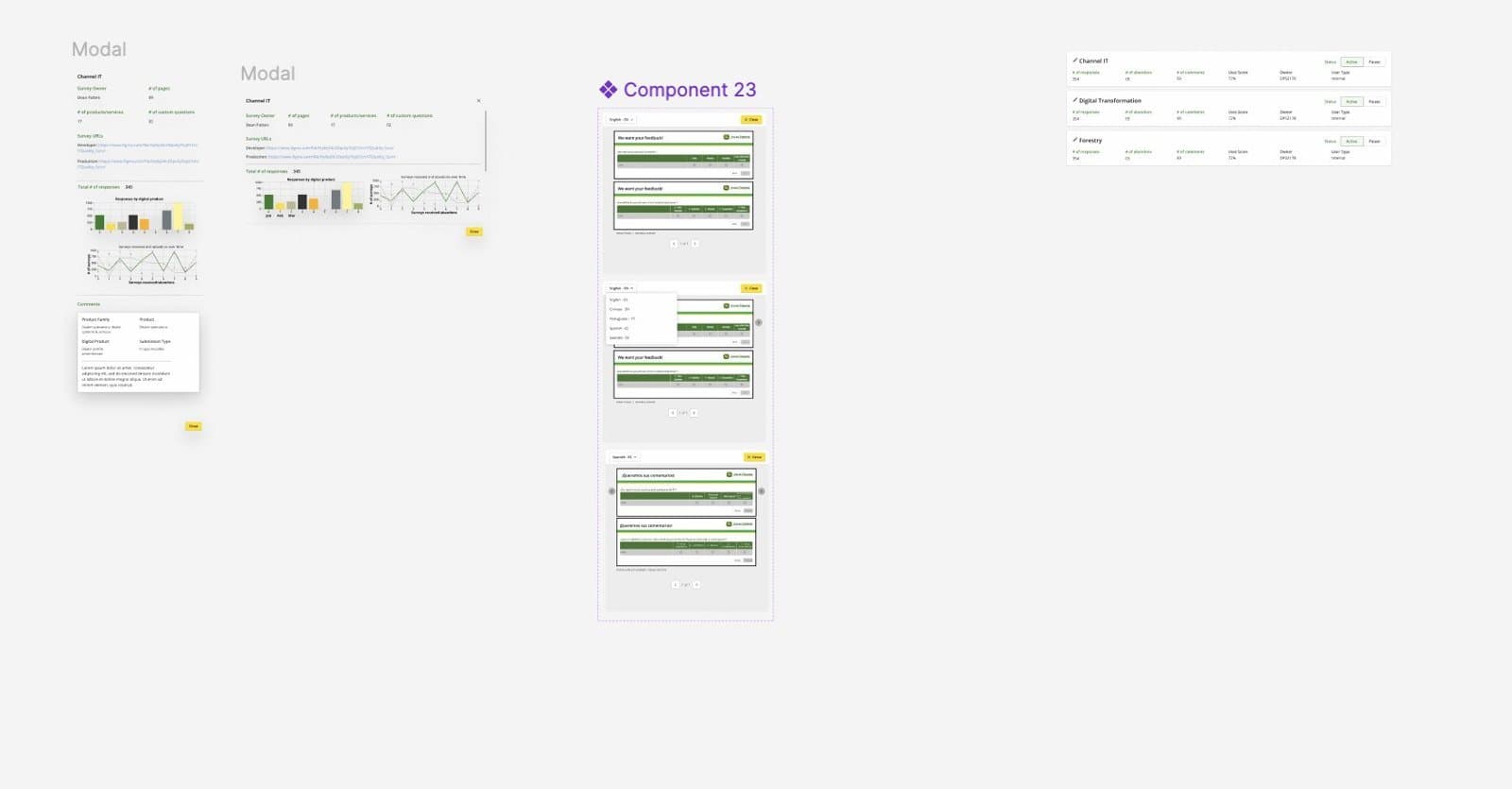
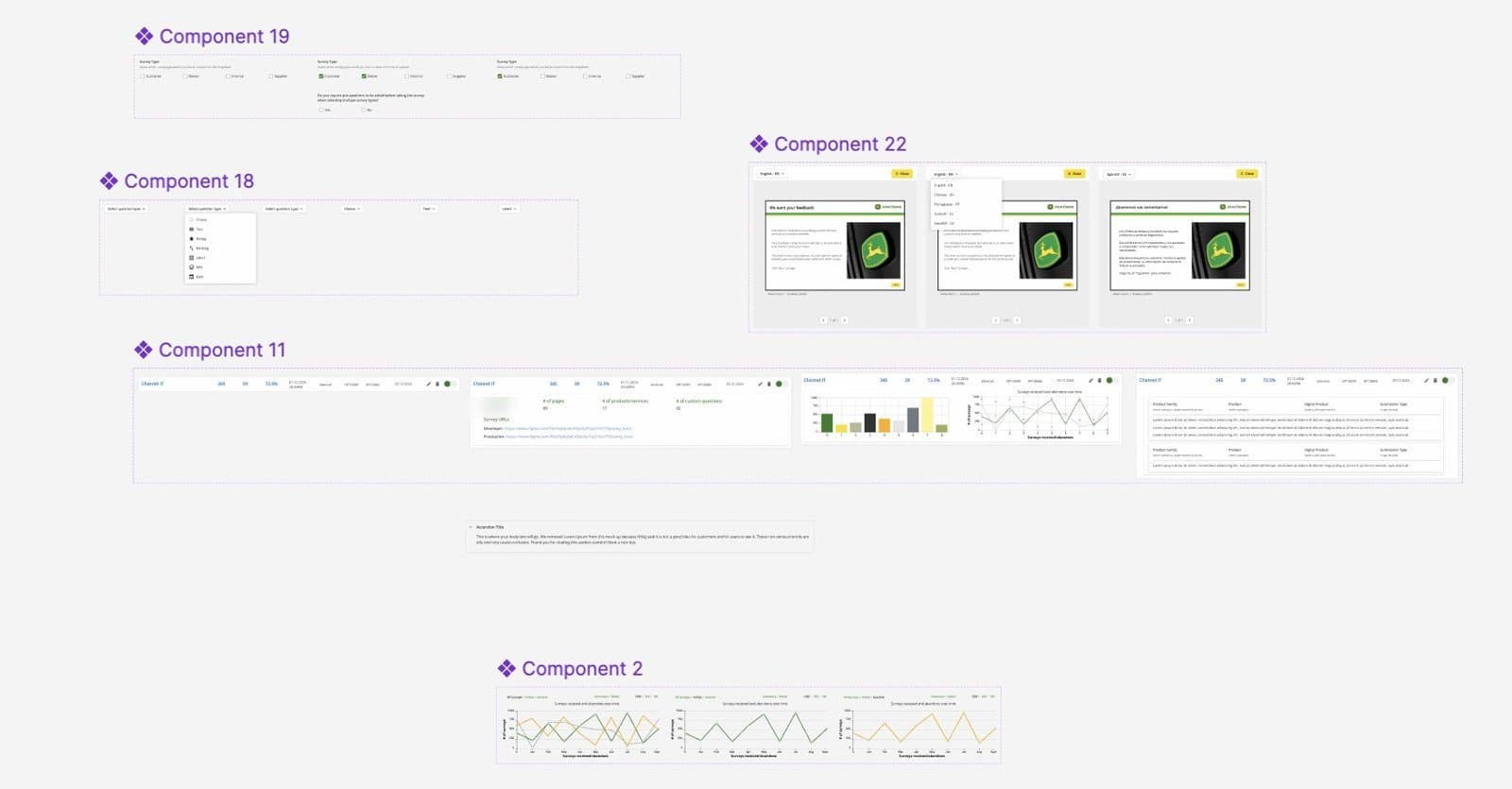
A survey only helps if the answers come back in a form people use. Each survey row opens into its numbers, its trends and its comments, without exporting anything.
Responses vs abandons
Shown together over time, so a PM sees when people start but don't finish.
Responses by product
One bar per product, so PMs covering several tools can compare them.
Comments in context
Each comment shows the product, product family and how it was submitted.
Accessible by default
I helped shape Fuel's FY24 internal accessibility plan: who needed accessibility skills, what “done” meant by year end, and how it would be checked. Deere Survey was where I applied it first. Building from Fuel meant fixes in the system reached every survey.
Perceivable
Standard and Custom are labelled in words, not shown by colour alone. Buttons are dark text on Deere yellow.
Operable
Questions can be reordered with “Move to page” as well as dragging, so it works by keyboard.
Understandable
One decision per screen, a visible step count, and plain labels on every field.
Robust
Built from Fuel components, so fixes in the system reach every survey automatically.
The plan's targets
- Every Fuel component spec includes accessibility criteria
- Designers and developers have a learning path for accessibility
- A shared checklist for teams to check their own work before launch
From one product back into the system
Building a real product on Fuel showed where the system had gaps. I designed those pieces so other teams could reuse them, and I taught people how to use Fuel.
Components handed to Fuel
- Question card, with all seven answer types and four states
- Standard and custom question templates
- Searchable multi-language picker
- Survey preview with language switching
- Expandable survey row with charts and comments
Teaching Fuel
I ran training and knowledge-transfer sessions for designers who wanted to learn Fuel. That helped adoption and awareness, which is exactly what the “products on Fuel” key result needed.
What changed, and what I’d measure next
internal product teams used Deere Survey.
to build a survey. Reported by PMs, matched what I observed.
PMs build and publish without a developer in the loop.
What the evidence can't tell us
The time saving is reported and observed, not measured in a controlled test. And I don't have a count of surveys run before the tool, so I can't say how much more feedback teams collected.
What I'd add
- Log time from “Create new” to “Publish” inside the tool
- Track completion and abandon rates by question type
- Usability-test the builder with first-time PMs