Redesigning a Storytelling Platform for Young Creators
On this page
- Question
- Why were families not reaching a story?
- Method
- Qualitative research and an information-architecture redesign over 6 weeks.
- What we found
- Research showed 60% of visitors never reached a story.
- What changed
- A redesigned storytelling flow cut that drop-off.
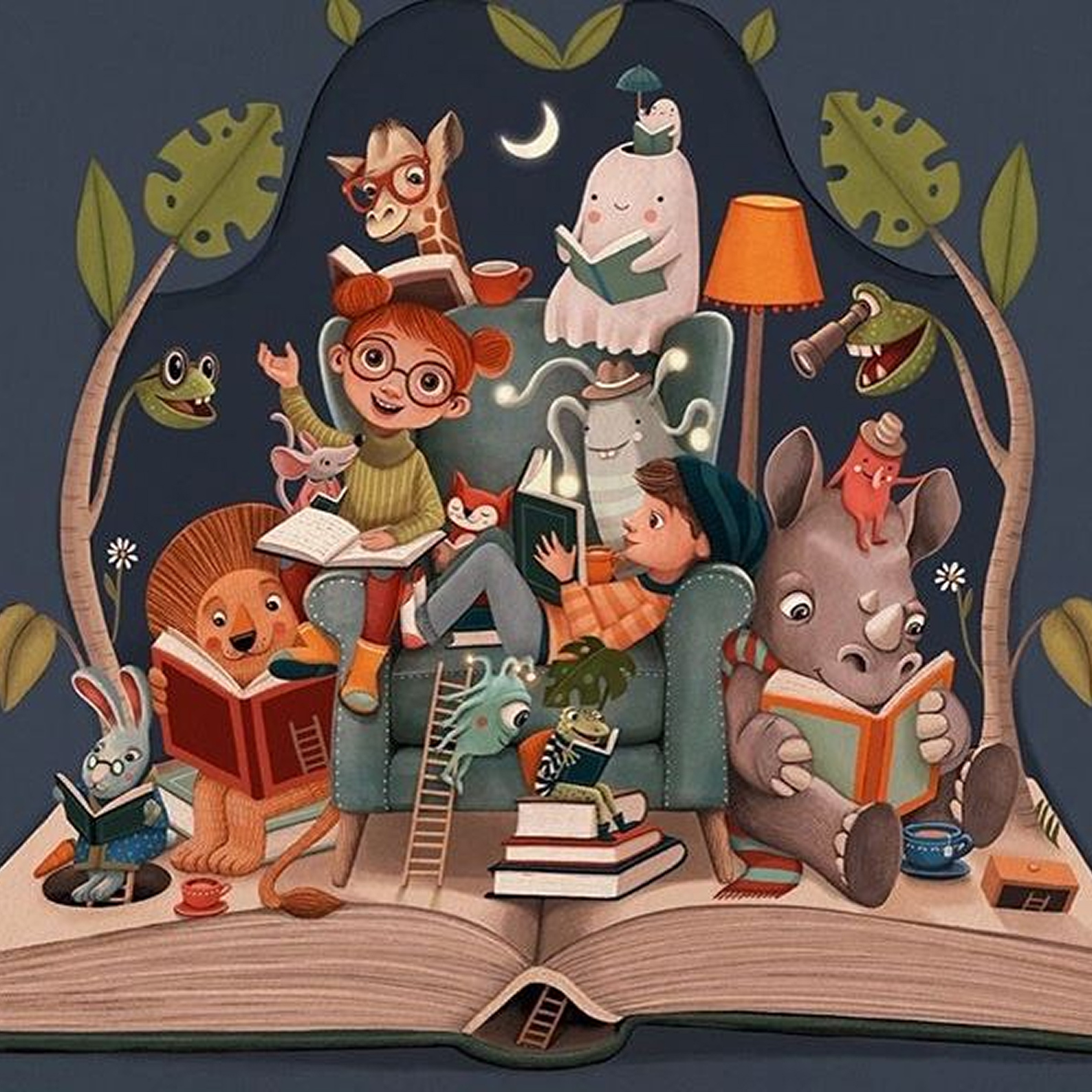
60% of Users Never Reached a Story
Skill Constellation
Primary
Supporting
Emerging
Stories by Children is an online platform where young readers aged 6–12 discover stories and budding writers aged 7–17 share original work. It's a space families and educators rely on to nurture creativity — but the platform was quietly failing its users.
Analytics told the story: 60% of users dropped off before reaching a story listing. Parents trying to upload work got lost. Styling varied wildly. There were no visual cues for age-appropriate content. The platform had heart — its UX was the problem.
Lean UX sprints + Double Diamond framework — research with real families, rapid prototyping, two validation cycles.
Young readers (6–12), aspiring writers (7–17), parents & educators managing content and uploads.
Testing with Real Families
I recruited family units — children alongside their parents — for moderated usability testing followed by contextual interviews. Testing with families together was deliberate: it revealed the natural dynamics of how children and adults collaborate when browsing and submitting content.
User Research with Children & Families
Conducted sessions with real families, adapting methods for child participants (shorter sessions, visual prompts, parent co-participation).
Evidence: 5 distinct insights each mapped directly to a design decision.
Three Signals from Children
Colour = Fun
Kids responded positively to vibrant layouts. White = boring. Visual richness drove perceived fun.
Recognition = Motivation
Being featured as a 'winner' or seeing their profile displayed was a powerful motivator.
Peers = Trust
Kids engaged far more with content from children they knew. Familiarity drove discovery.
The Critical Parent Finding
Parents consistently broke down at the upload workflow. They couldn't place their child's submission in the right section, didn't understand the review process, and frequently abandoned the flow entirely. This wasn't friction — it was a complete barrier to contribution.
How Every Insight Became a Design Decision
Insights were synthesised into three themes: quick access, age-appropriate visual cues, and social proof through peer visibility. The design section below maps each research finding directly to the interface decision it produced.
Information Architecture
Restructured platform IA to reduce cognitive load for young users, simplifying navigation and making submission flows intuitive.
Evidence: Task success 50% → 85%, navigation depth 4+ clicks → 1-2 clicks.
Children called plain white layouts 'boring' and engaged 3× more with colourful interfaces.
— Usability sessions with children aged 7–11
Vibrant, illustration-rich visual system
Replaced the minimal white aesthetic with bold colour blocks, playful illustrations, and gradient accents across every page.
Kids lit up when asked 'What if your picture was on the website?' — being seen was the strongest motivator.
— Contextual interviews, post-task
Contributor Spotlights & Winner Sections
Introduced prominent 'Winners' and 'Featured Authors' sections with children's photos and names on the homepage.
Children explored 4× more content when it was created by someone they recognised or related to.
— Behavioral observation during testing
Peer-based content feeds
Added 'Stories by Kids Like You' and age-matching recommendation surfaces to leverage social trust.
100% of parents failed to complete the upload flow. They got lost between sections and abandoned.
— Task failure analysis, all parent participants
Guided step-by-step upload wizard
Rebuilt submission as a linear wizard with progress bar, category picker, preview, and clear confirmation at every step.
No visual cues helped parents or children identify age-appropriate content at a glance.
— Heuristic analysis + parent interviews
Colour-coded age-group badges
Every story card and section header displays a colour-coded age badge, providing instant clarity without deep navigation.
Rapid Prototyping
Produced testable prototypes within 6-week constraint, enabling multiple rounds of validation with real users.
Evidence: Two rapid Lean UX sprint cycles completed.
The Platform Experience: Key Screens
The final design system was built around these five core experiences — each shaped directly by what families told us:
Homepage
Featured stories, winner spotlights, and age-filtered browsing within one scroll.
Reading Page
Large type, playful accents, minimal chrome. Designed for immersion, not navigation.
Bookstore
Cover-forward grid with author photos. Peer discovery through visual browsing.
Reading Challenges
Progress tracking, milestone badges, and leaderboards that gamify engagement.
About & Trust
Warm, transparent page explaining safety, editorial review, and community values.
Validation: 50% → 85% Task Success
Prototypes were tested through moderated sessions with real families. Two rapid Lean UX sprint cycles improved task success from 50% to 85%.
Usability Testing
Tested redesigned flows with target users (children + parents).
Evidence: 50%→85% task success, verified across both audience segments.
Task success rate
Navigation depth to stories
Upload completion (parents)
The Numbers After Launch
The redesigned platform launched and was tracked over the first month.
Increase in first month post-launch.
Upload volume from young contributors.
New users exploring 2+ categories per session.
Improvement across moderated usability testing.
What Came Next
Post-launch heatmaps confirmed contributor spotlights and peer content feeds are the most-interacted elements. The roadmap now includes multi-language support, educator-focused reading-level filters, peer feedback features, and enhanced accessibility.
Key Growth Learnings
Designing for children requires fundamentally different IA thinking. Lean UX works when committed to real users, not just fast timelines.
Insight-to-decision mapping makes design rationale transparent and defensible.